Party Planner
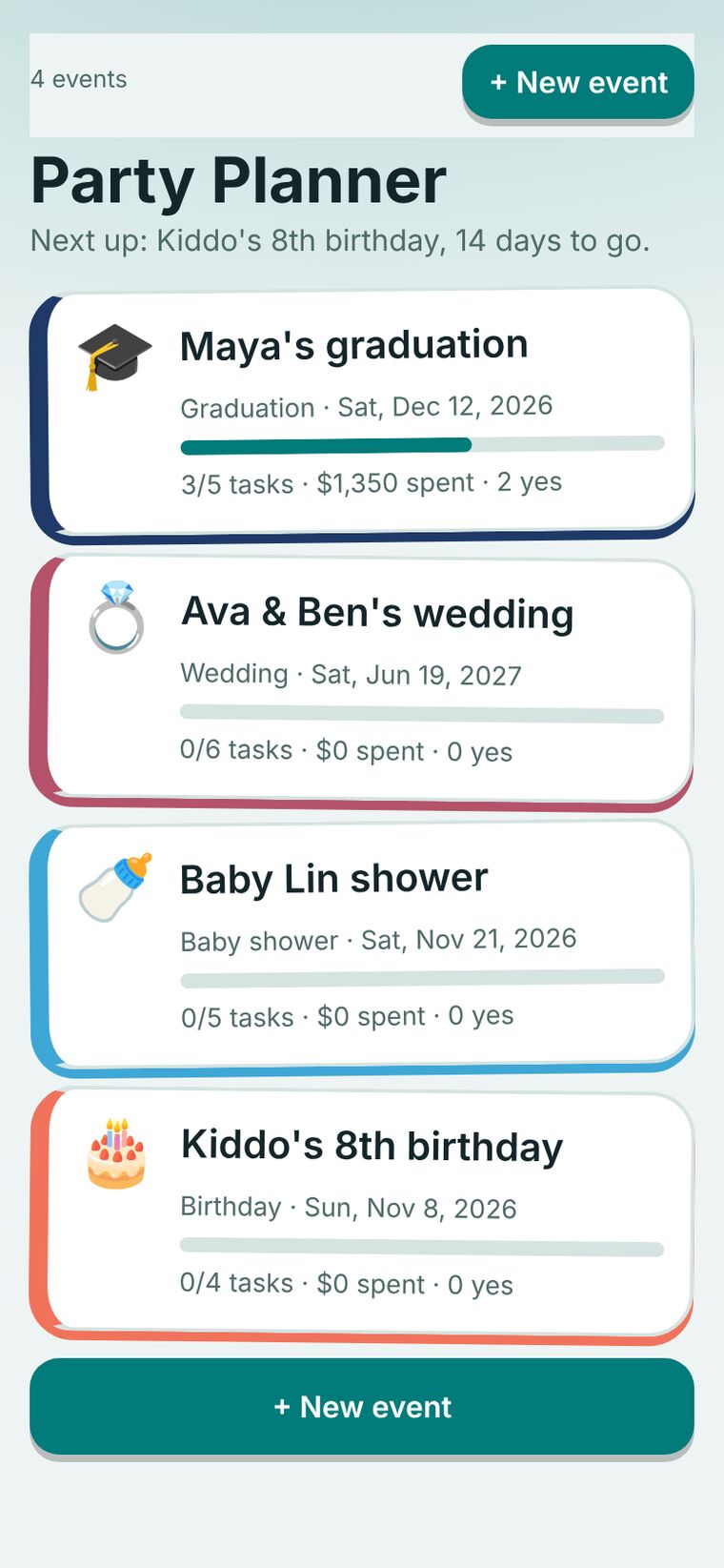
A planner for every kind of party. Pick the type, and the screen takes its colors and its checklist from it. Plan several events at once, each with its own budget, catering, invites, and team.
Party planning lives in too many places at once
A single party might have a budget in one spreadsheet, a guest list in a text thread, a vendor list in email, and a checklist on a napkin. Anyone who hosts more than one event at a time has to keep all of it straight.
I wanted one place per event, with the same few tools each time, so the next party starts from a plan instead of a blank page.
Everything for one event, on one screen
Seven party types, each with its own look
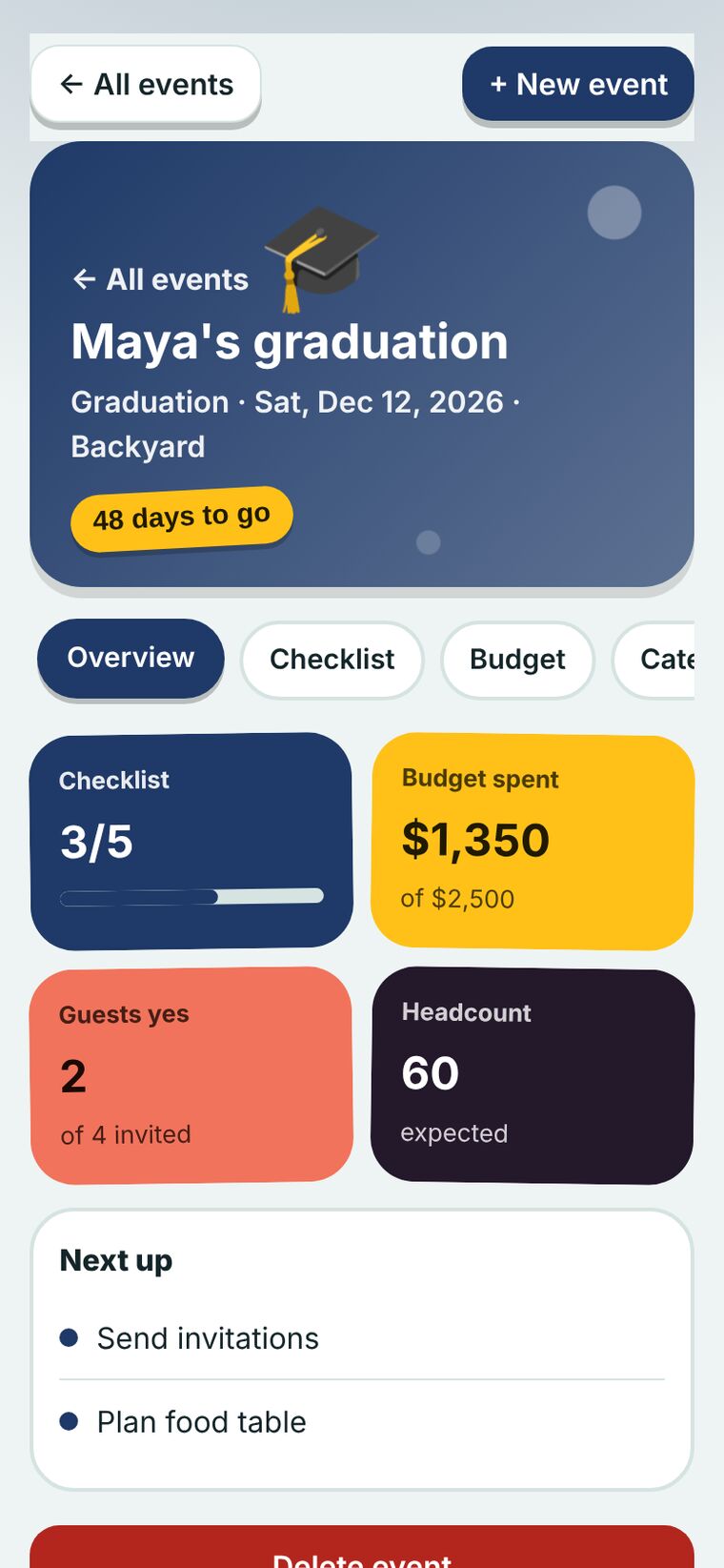
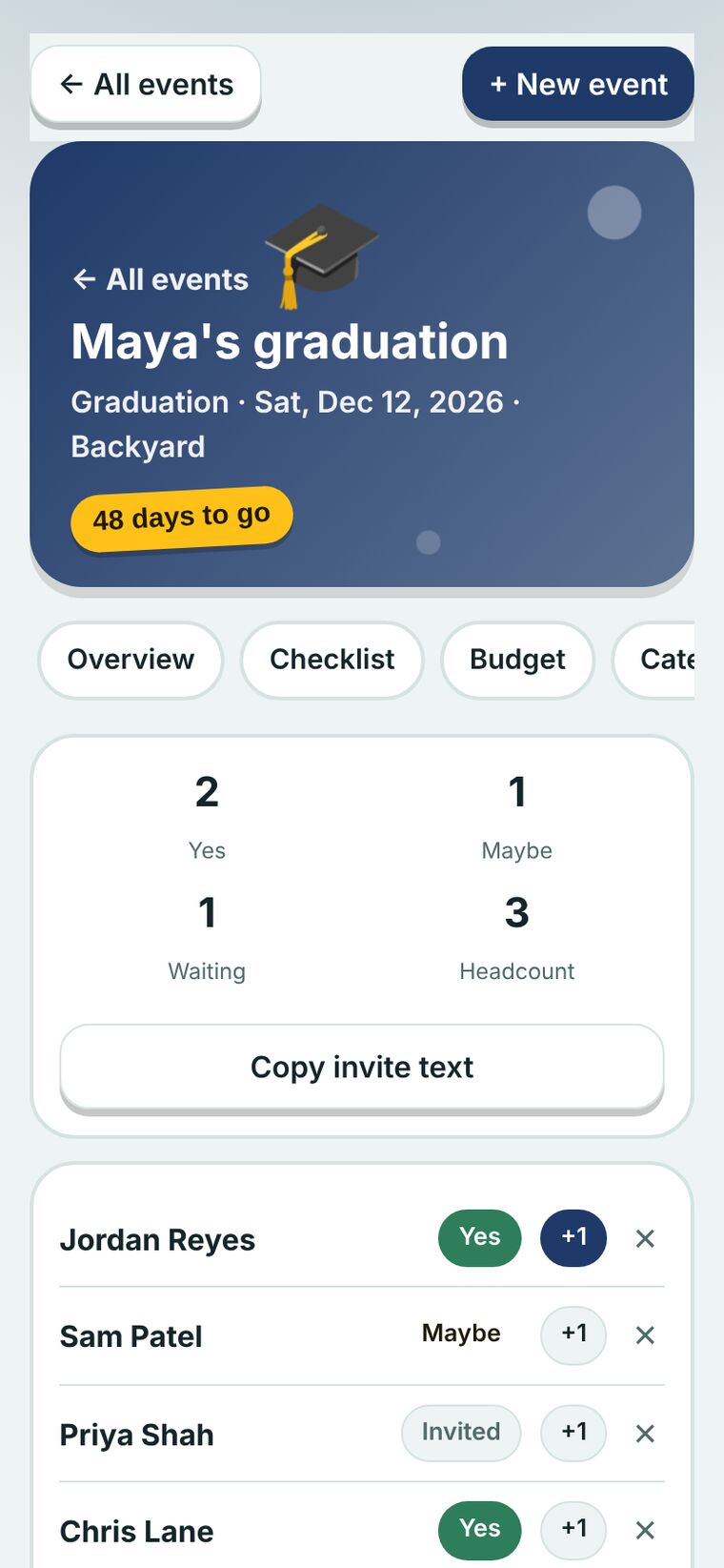
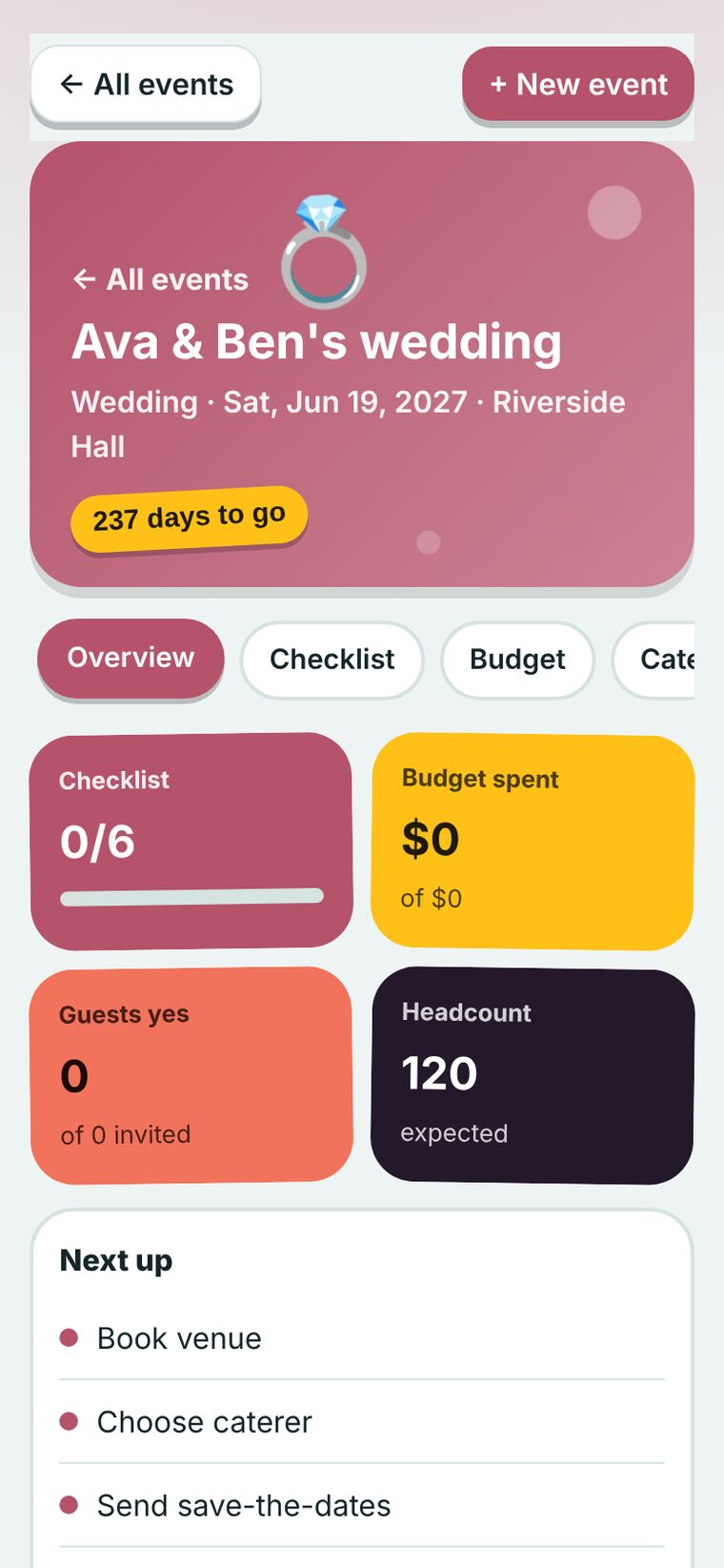
Wedding, graduation, baby shower, bridal shower, birthday, holiday, and general party. Each type sets the header colors, the emoji, and a starter checklist. A wedding starts with venue and officiant. A graduation starts with the cake and the photo display. Every checklist can be edited.
Several events, one home screen
Each party is a card with its own color, a countdown, a task progress bar, and its spending.
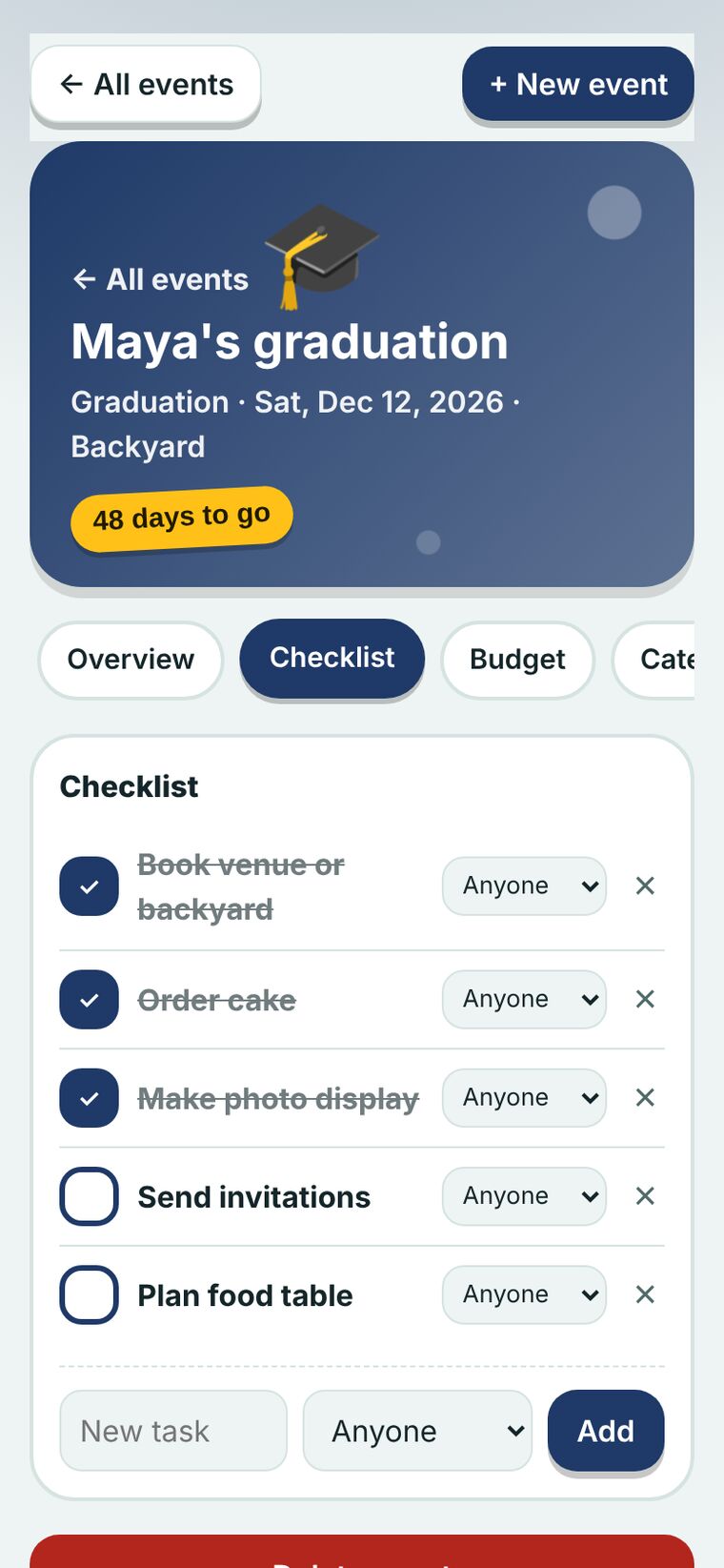
Checklist
Tasks with a done check, a note, and an assignee from your team. Finishing one brings a little confetti.
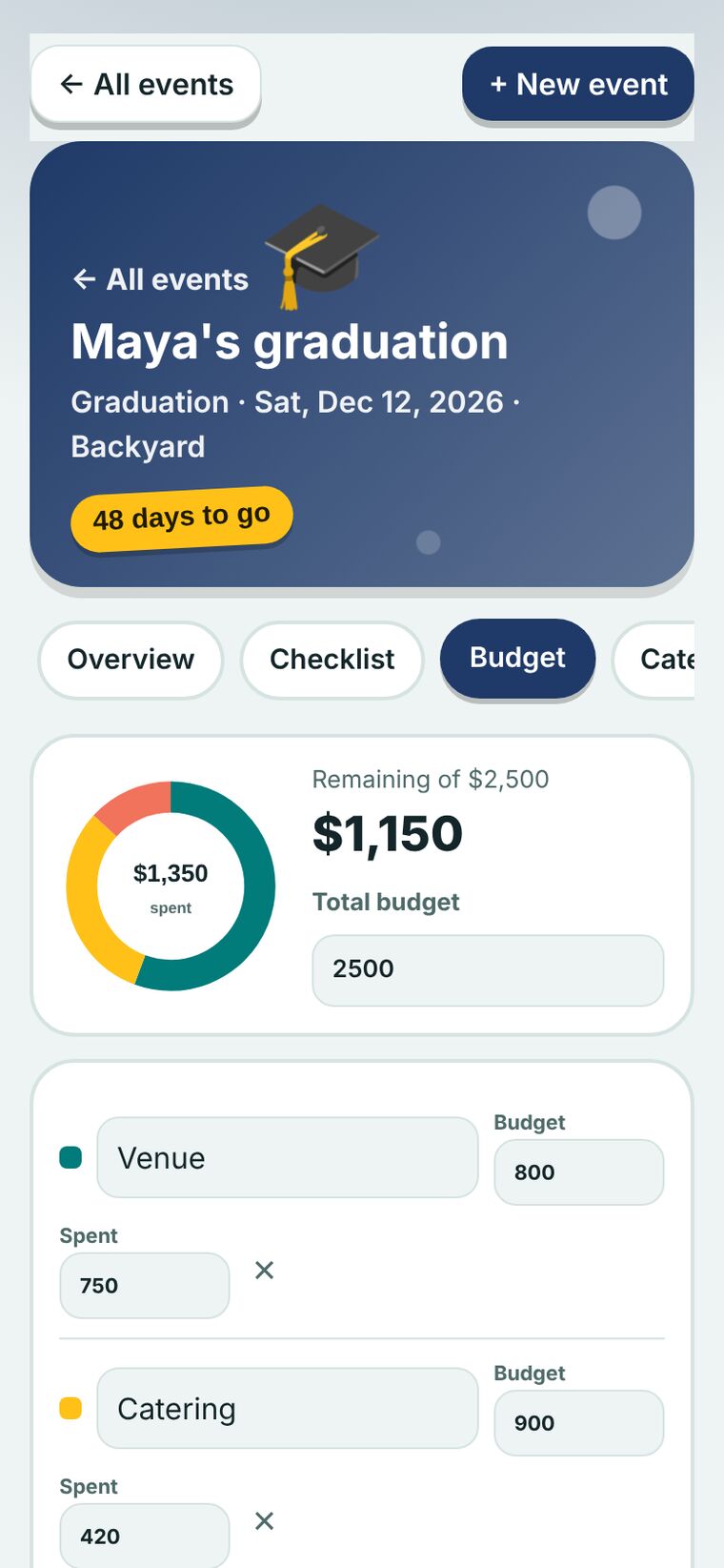
Budget
Set a total and categories with a budget and an amount spent. A donut shows where the money went, and the remaining amount turns red when you go over.
Catering
Headcount, a menu with costs, and the cost per guest, updated as you type.
Invites
Guests move through Invited, Yes, No, and Maybe with one tap. Add a +1, and copy invite text with the date and place filled in.
Decor and other considerations
Two lists for the things that don’t fit anywhere else, like balloon arches, parking, rentals, and a weather plan.
Team
Add the people helping you plan, with a role for each. Assign tasks to them, and their names follow the task.
What it looks like on the phone
These screenshots come from the working app at phone size, filled with sample parties. Swipe to see them all.
What shaped the screens
Vibe coded in conversation with Claude
I described each screen in plain language, reviewed it on my phone, and asked for the next change. Claude wrote most of the code. I made the product calls: which tools each event needs, how the party types differ, and where the playful details belong.
I also tested the layout at phone width and fixed the spots where content ran past the screen edge.
A working prototype with sample data
Everything saves on the device it is used on. The team members are names in the app rather than accounts, so nobody else can see the plan yet.
- Shared plans, so a co-host or a partner can add tasks and guests from their own phone
- Reminders for invites that haven’t been answered
- Vendor contacts with their own notes and payment status
- Printable or shareable guest lists for the venue
Need something like this for your business?
I design and build practical tools, and I coach teams to use them with confidence.
Let’s talk